 Skip to main content
 Back to Articles
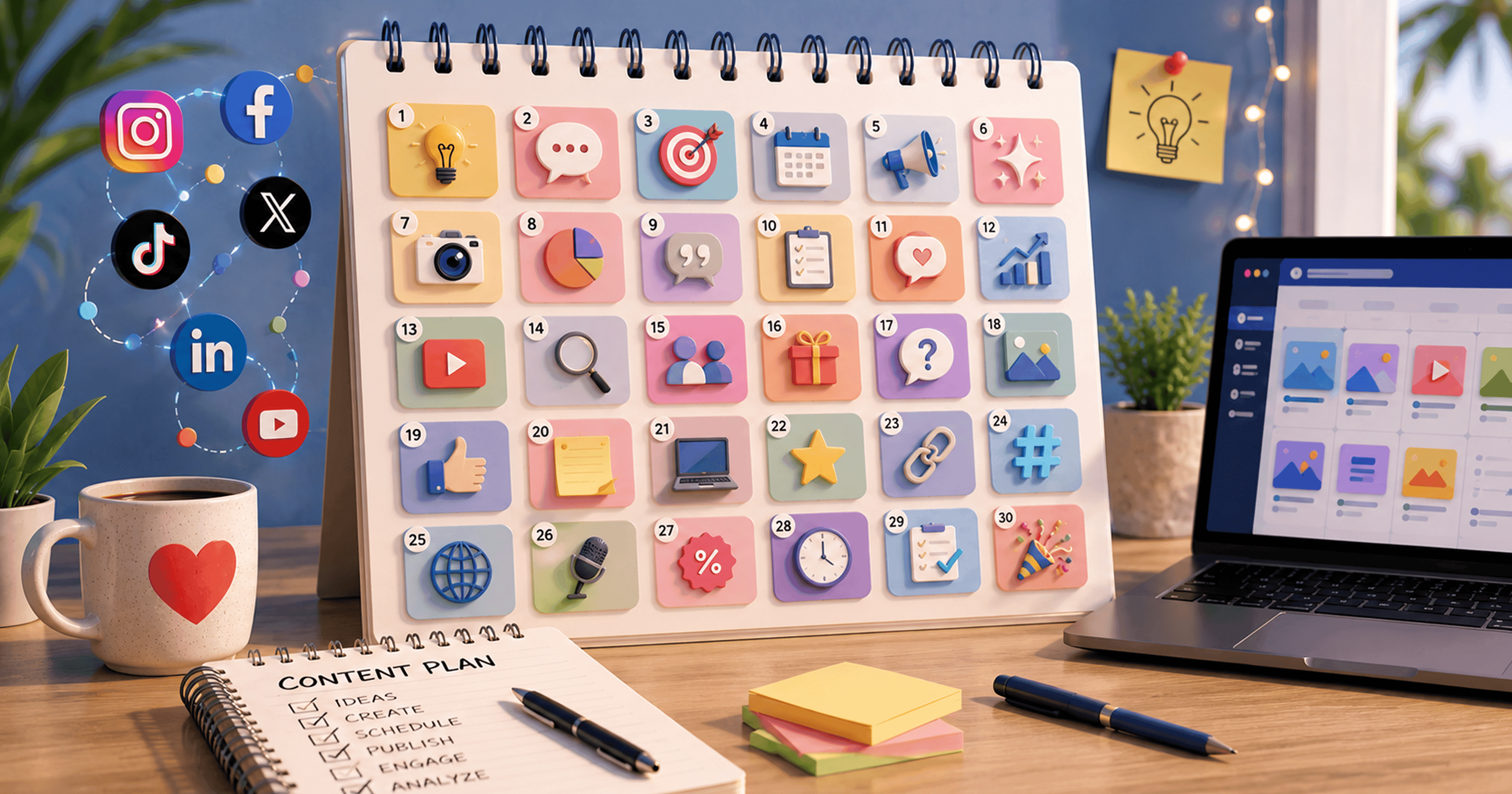
Creating engaging social media content consistently can be challenging, especially when you're managing multiple platforms and campaigns. Many businesses spend hours deciding what to post instead of focusing on building relationships with their audience.
July presents excellent opportunities for brands to increase engagement through seasonal campaigns, educational content, behind-the-scenes stories, trending topics, and interactive posts.
In this guide, you'll discover 30 unique social media content ideas for July 2026 that can help businesses maintain a consistent posting schedule, improve audience engagement, and strengthen their online presence. Whether you're a startup, ecommerce brand, agency, restaurant, SaaS company, or local business, these ideas can be adapted for Instagram, Facebook, LinkedIn, X (Twitter), TikTok, and other social media platforms.
Why Planning Content in Advance Matters
Businesses that plan content ahead of time often experience:
- Better posting consistency
- Stronger audience engagement
- Improved campaign organization
- Higher content quality
- Reduced last-minute stress
- More strategic marketing decisions
A well-structured content calendar also allows marketing teams to align social media with promotions, product launches, seasonal events, and business goals.
How to Build a July Content Calendar
A balanced content calendar should include different content categories throughout the month.
Aim for a mix of:
- Educational posts
- Industry insights
- Customer stories
- Product highlights
- Interactive content
- Seasonal campaigns
- Behind-the-scenes updates
- Community engagement
- Company culture
- Promotional offers
Avoid publishing only promotional content. Educational and engaging posts generally build stronger audience relationships over time.
30 Social Media Content Ideas for July 2026
Day 1 Welcome July
Share your goals, upcoming campaigns, or exciting announcements for the month.
Day 2 Customer Success Story
Highlight how your product or service helped solve a customer's problem.
Day 3 Industry Statistics
Share interesting industry data with simple graphics or carousel posts.
Day 4 Frequently Asked Question
Answer one common customer question in a short video or carousel.
Day 5 Behind the Scenes
Show how your team works, plans projects, or creates products.
Day 6 Team Spotlight
Introduce a team member and their role within your company.
Day 7 Weekend Poll
Create an interactive poll or ask followers to vote on a topic.
Day 8 Productivity Tip
Share one actionable tip related to your industry.
Day 9 Product Feature
Explain one feature and how it benefits customers.
Day 10 Industry Myth
Debunk a common misconception in your niche.
Day 11 Before & After
Show transformations, project results, or customer improvements.
Day 12 User-Generated Content
Feature customer photos, testimonials, or reviews.
Day 13 Quick Tutorial
Create a short educational reel demonstrating a useful tip.
Day 14 Mid-Month Check-In
Ask followers about their goals or progress.
Day 15 Trending Industry News
Share recent developments with your perspective.
Day 16 Company Values
Explain what your business stands for.
Day 17 Common Mistakes
Educate your audience about mistakes to avoid.
Day 18 Client Testimonial
Highlight positive customer feedback.
Day 19 Mini Case Study
Show measurable business results from a completed project.
Day 20 Tool Recommendation
Recommend a helpful tool related to your industry.
Day 21 Sunday Inspiration
Share motivational content or business lessons.
Day 22 Educational Carousel
Break down a complex topic into simple slides.
Day 23 Industry Predictions
Discuss future trends your audience should watch.
Day 24 Community Question
Encourage followers to share opinions or experiences.
Day 25 Workspace Tour
Show your office, studio, or work environment.
Day 26 Quick Tips List
Publish a list of practical tips in carousel format.
Day 27 Business Milestone
Celebrate achievements, anniversaries, or growth milestones.
Day 28 Trending Audio Reel
Create a reel using a relevant trend while maintaining your brand voice.
Day 29 Helpful Resource
Recommend an ebook, checklist, blog post, or free guide.
Day 30 Monthly Recap
Summarize the month's highlights and invite followers to stay tuned for August.
Tips to Increase Engagement
Simply posting content isn't enough. Focus on creating conversations.
Best practices include:
- Ask questions in captions
- Use strong visual storytelling
- Publish consistently
- Respond to comments quickly
- Use relevant hashtags
- Create shareable educational content
- Mix videos, carousels, and images
- Analyze post performance regularly
How AI Helps Plan Social Media Content
AI-powered content planning tools can simplify monthly scheduling by helping teams:
- Generate content ideas
- Create captions
- Organize content calendars
- Schedule posts
- Repurpose existing content
- Maintain consistent publishing
Using AI reduces planning time while helping businesses publish more consistently.
Why Businesses Use ZunoSync for Content Planning
Planning an entire month's content manually can be time-consuming.
ZunoSync helps businesses:
- Generate AI-powered post ideas
- Build monthly content calendars
- Schedule posts across multiple platforms
- Organize campaigns
- Automate publishing workflows
- Maintain a consistent posting schedule
Instead of managing spreadsheets and multiple tools, businesses can organize their July content strategy from one centralized platform.
Final Thoughts
Consistency is one of the most important factors in successful social media marketing. Planning content in advance helps businesses reduce stress, improve quality, and maintain regular audience engagement.
By using these 30 social media content ideas for July 2026, businesses can build a balanced content calendar that educates, engages, and inspires their audience throughout the month.
For teams looking to simplify planning even further, ZunoSync provides AI-powered content ideation, scheduling, workflow automation, and campaign management making it easier to stay consistent across every social media platform.
Frequently Asked Questions
How many times should businesses post on social media each week?
Most businesses benefit from posting 3–5 times per week, depending on their audience, industry, and platform.
What type of content performs best in July?
Seasonal campaigns, educational posts, customer stories, short-form videos, interactive polls, and behind-the-scenes content typically perform well during July.
Can AI help create a monthly content calendar?
Yes. AI-powered tools can generate post ideas, organize content calendars, suggest captions, and automate scheduling.
Should every post promote a product?
No. A balanced strategy should combine educational, engaging, community-focused, and promotional content to keep audiences interested.
How does ZunoSync help with monthly content planning?
ZunoSync helps businesses create AI-powered content calendars, schedule posts, organize campaigns, automate publishing, and manage social media workflows from one platform.